The Importance of Regular Printer Maintenance for Longevity
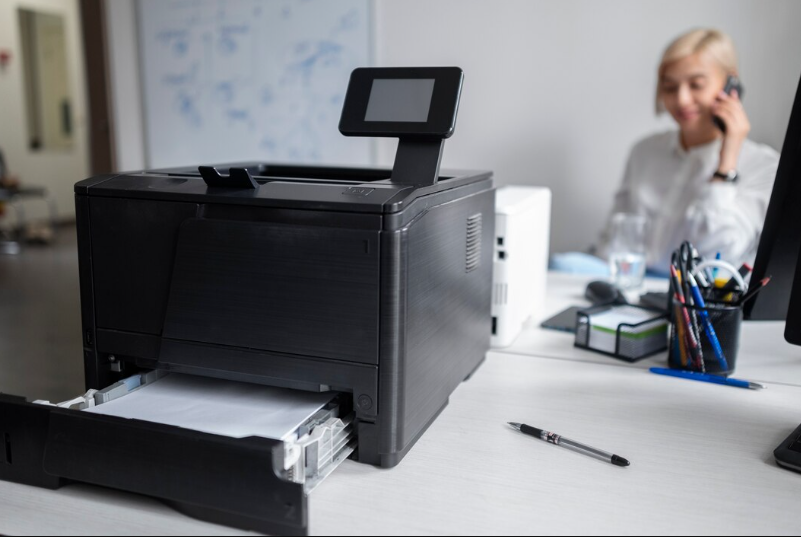
Printers are essential devices in both homes and businesses, ensuring smooth document processing and high-quality prints. However, like any other machine, printers require regular maintenance to function efficiently and last longer. Without proper care, printers can develop issues such as paper jams, poor print quality, and hardware malfunctions. Implementing consistent maintenance routines can prevent costly repairs, extend the printer’s lifespan, and improve overall performance. In this article, we will explore the importance of regular printer maintenance and provide effective printer solutions and repair techniques to keep your device in top condition.
Why Regular Printer Maintenance Matters
Many users overlook printer maintenance until a problem arises, leading to downtime and increased repair costs. Here’s why regular maintenance is crucial:
1. Prevents Print Quality Issues
Over time, dust, ink residue, and toner buildup can affect print quality. Without proper cleaning, you may notice issues like streaks, smudges, or faded prints. Routine maintenance ensures that your printer produces sharp, clear, and professional-quality documents.
2. Reduces the Risk of Paper Jams
Paper jams are among the most common printer problems. They often occur due to dust accumulation, misaligned rollers, or the use of incorrect paper types. Regular cleaning and inspection of printer rollers help prevent frequent paper jams and ensure smooth paper feeding.
3. Increases Printer Lifespan
Like any piece of equipment, a well-maintained printer lasts longer. Regular cleaning and servicing prevent excessive wear and tear, reducing the likelihood of major malfunctions. Proper care can help you maximize your investment by delaying the need for a replacement.
4. Saves Money on Repairs
Neglecting printer maintenance can lead to costly breakdowns. Simple preventive measures, such as cleaning printheads and replacing worn-out parts, can help avoid expensive printer solutions and repair services. Investing time in maintenance reduces the chances of unexpected repair costs.
5. Improves Printing Efficiency
A well-maintained printer runs smoothly and efficiently, reducing errors and ensuring fast printing speeds. Dust and debris can slow down print jobs or cause repeated errors, affecting productivity in a business setting.
Essential Printer Maintenance Tips
To keep your printer in optimal condition, follow these key maintenance practices:
1. Clean the Printheads Regularly
Printhead clogging is a common issue in inkjet printers. If the nozzles are blocked, prints may appear streaky or incomplete. To clean the printheads:
Run the printer’s built-in cleaning cycle.
If the problem persists, remove the printhead and manually clean it using a lint-free cloth and isopropyl alcohol.
Use your printer regularly to prevent ink from drying up in the nozzles.
2. Keep the Printer Dust-Free
Dust can accumulate inside the printer, affecting internal components and leading to hardware failures. To prevent this:
Wipe the exterior and interior with a microfiber cloth.
Use compressed air to remove dust from hard-to-reach areas.
Keep the printer covered when not in use.
3. Use High-Quality Ink and Toner
Using low-quality or counterfeit ink cartridges can lead to poor print quality and clogging issues. Always use manufacturer-approved or high-quality third-party cartridges to ensure smooth operation.
4. Check and Replace Printer Rollers
Printer rollers pull paper through the machine, and worn-out rollers can cause paper jams. Inspect the rollers regularly and clean them with a damp cloth. If they appear worn or damaged, replace them to maintain smooth paper feeding.
5. Choose the Right Paper
Using the wrong type of paper can lead to smudging, paper jams, and uneven prints. To avoid such issues:
Use paper recommended for your specific printer type (inkjet or laser).
Store paper in a dry environment to prevent moisture-related printing problems.
Avoid loading wrinkled or damaged paper into the tray.
6. Update Printer Drivers and Firmware
Keeping your printer’s software up to date ensures compatibility with your operating system and improves performance. Regularly check for firmware updates on the manufacturer’s website and install them to fix bugs and enhance functionality.
7. Perform Routine Print Tests
Running test prints helps you detect potential issues early. If you notice streaks, faded prints, or misalignments, address the problem immediately by using the appropriate printer solutions and repair methods.
8. Turn Off the Printer When Not in Use
Leaving a printer on for long periods can dry out ink cartridges and put unnecessary strain on internal components. Turning it off when not in use helps conserve ink and extend the device’s lifespan.
Common Printer Issues and How to Prevent Them
Even with regular maintenance, printers may occasionally encounter problems. Here are some common issues and preventive measures:
1. Paper Jams
Causes:
Overloaded or misaligned paper tray
Dust buildup on rollers
Using the wrong paper type
Prevention:
Load paper correctly and avoid overfilling the tray.
Clean the rollers periodically.
Use recommended paper types for your printer.
2. Smudged or Faded Prints
Causes:
Clogged printheads
Low ink or toner levels
Poor-quality paper
Prevention:
Run printhead cleaning cycles regularly.
Refill or replace cartridges when ink levels are low.
Use high-quality paper to ensure even ink distribution.
3. Printer Not Responding
Causes:
Outdated drivers
Network connectivity issues
Hardware malfunctions
Prevention:
Keep drivers and firmware updated.
Restart the printer and check network connections.
Contact a professional for printer solutions and repair if the issue persists.
Conclusion
Regular printer maintenance is essential for ensuring high-quality prints, reducing breakdowns, and extending the lifespan of your device. By following these simple maintenance practices, you can prevent costly repairs and improve overall printing efficiency. Whether it’s cleaning printheads, updating drivers, or using the right paper, every small effort contributes to keeping your printer in peak condition.
If you experience persistent issues, consider seeking professional printer solutions and repair services to diagnose and fix problems efficiently.